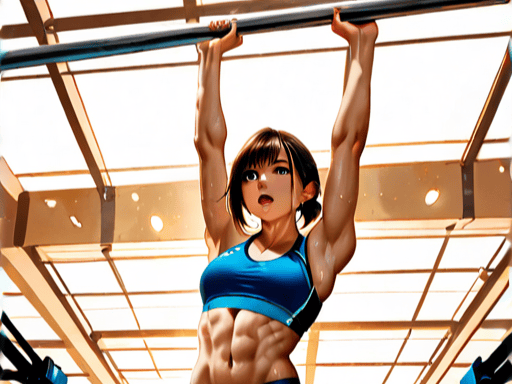
VividViper Prompting Guide Chroma, XL & More
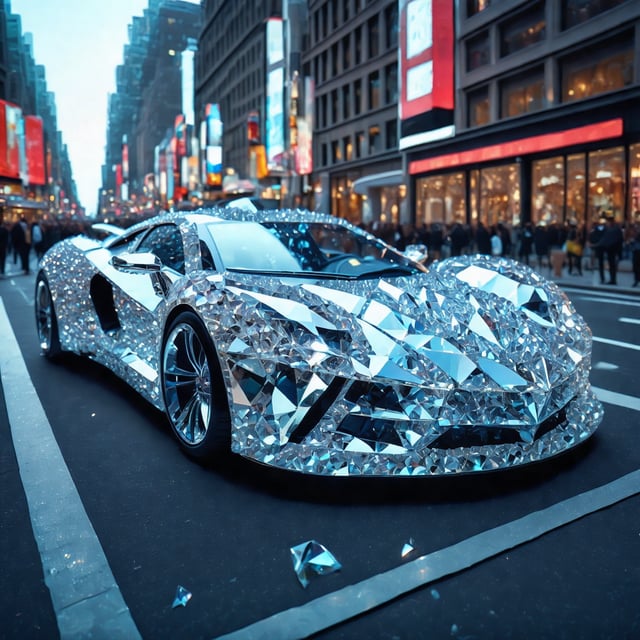
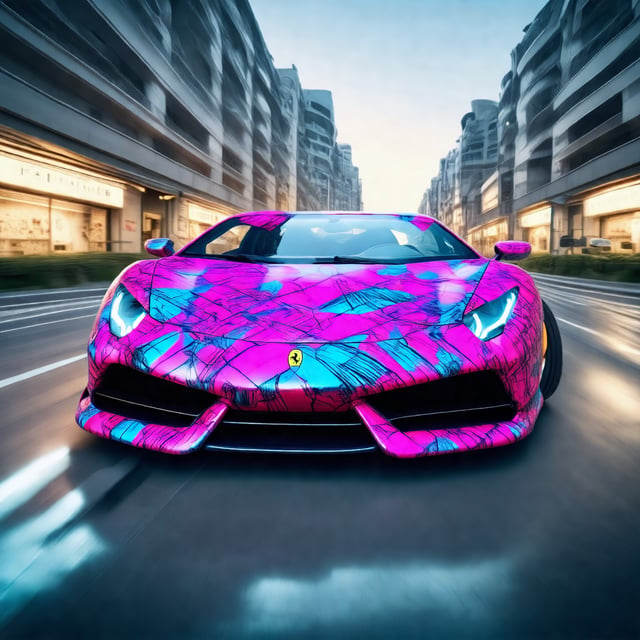
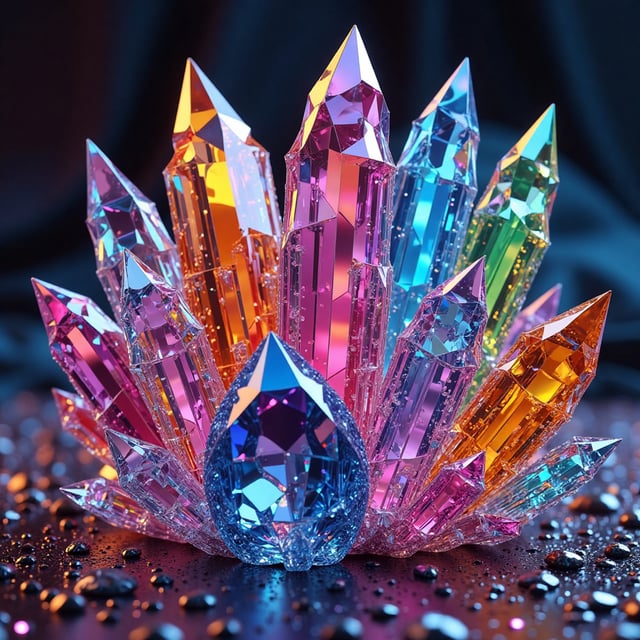
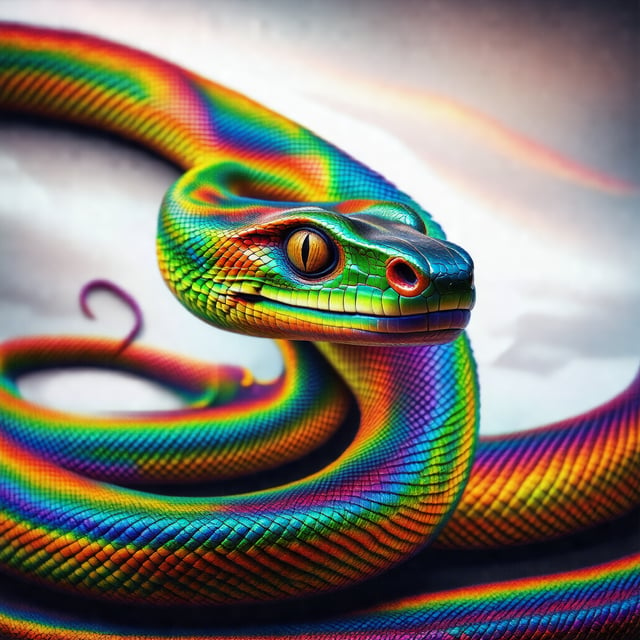
One LoRA. Four Models. Endless Possibilities.Transform your generations with VIVIDVIPER, a premium enhancement LoRA designed to push image quality beyond the base model. Whether you're using SDXL, Animagine XL, Stable Diffusion 3.5 Large, or Chroma, VIVIDVIPER enhances detail, color depth, texture fidelity, lighting, and overall image consistency while remaining highly versatile across styles.Perfect for:Fantasy ArtAnime & MangaSci-FiConcept ArtPortraitsCharacter DesignLandscapesGame ArtIllustrationPhotorealismDigital PaintingWhat VIVIDVIPER DoesVIVIDVIPER is not a style LoRA. It's more of a character LoRA or a concept LoRA that add's depth and that cyber realistic feel to your image or create a beautiful rainbow serpant that looks real.Instead, it acts like an image quality enhancer that improves:✅ Rich vibrant colours✅ Cleaner lighting✅ Better contrast✅ Sharper textures✅ Higher perceived detail✅ Improved material definition✅ Better depth✅ More cinematic rendering✅ More consistent outputsIt can be stacked with style LoRAs, character LoRAs and composition LoRAs.Model Versions🐍 SDXL VersionOptimized for:Juggernaut XLRealVisXLDreamShaper XLZavyChroma XLAlbedoBase XLSDXL BaseMost SDXL mergesRecommended Weight0.6–1.0Sweet Spot0.75🎨 Animagine XL VersionBuilt specifically around Animagine XL it has been trained on a premium set of high quality images.Works great with:Animagine XLAnimagine XL V3+Anime-focused SDXL checkpointsRecommended Weight0.7–1.1Sweet Spot0.9Produces:richer cel shadingcleaner lineworkbrighter coloursstronger highlightsimproved hair detailbetter eye rendering⚡ SD 3.5 Large VersionDesigned for Stable Diffusion 3.5 Large.Recommended Weight0.5–0.9Sweet Spot0.7Enhances:texturelightingrealismfabricskinenvironment detailwithout overwhelming SD3.5's natural rendering.🌈 Chroma VersionBuilt for Chroma checkpoints.Recommended Weight0.6–1.0Sweet Spot0.8Excellent for:vibrant fantasyconcept artstylized illustrationcolorful portraitsdramatic lightingTrigger WordSimply include:vividviperExample:vividviper, fantasy warrior, glowing armor, cinematic lightingWeight RecommendationsSubtle Enhancement0.5Balanced0.7–0.8Maximum Enhancement0.9–1.1Experimental1.2+(Results become increasingly stylized and may vary by checkpoint.)Prompt StructureA simple structure generally produces the best results.vividviper,
subject,
environment,
lighting,
camera,
style,
quality tagsExamplevividviper,
beautiful elven queen,
ancient enchanted forest,
golden hour lighting,
85mm lens,
ultra detailed,
masterpiece,
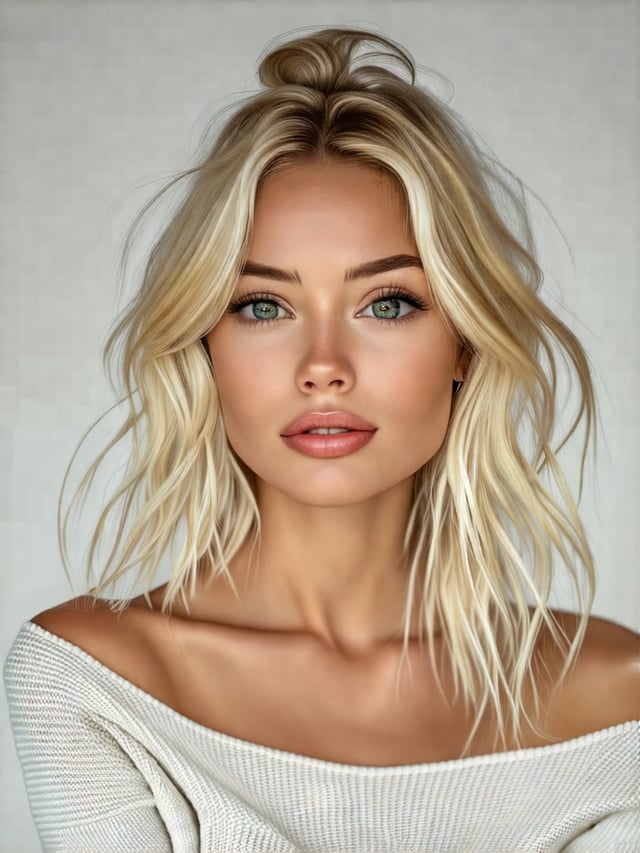
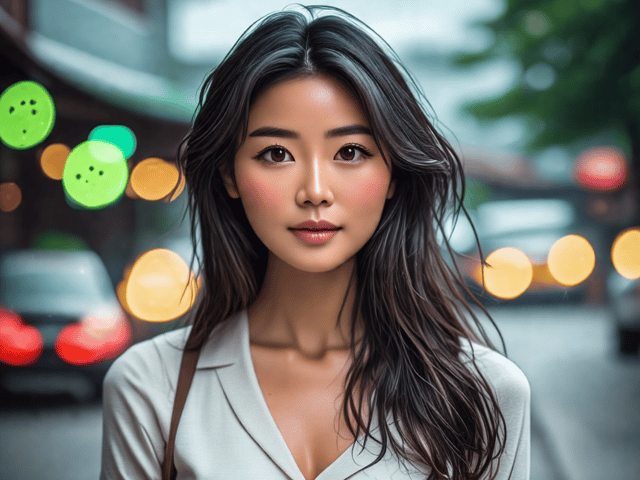
high qualityPortrait Examplevividviper,
beautiful woman,
freckles,
green eyes,
flowing hair,
soft cinematic lighting,
85mm portrait,
high detail,
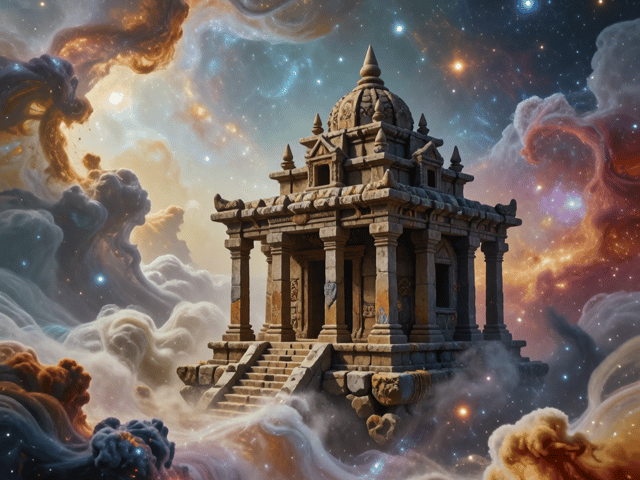
masterpieceFantasy Examplevividviper,
dragon rider,
floating castle,
epic sunset,
volumetric lighting,
ultra detailed fantasy art,
masterpiece,
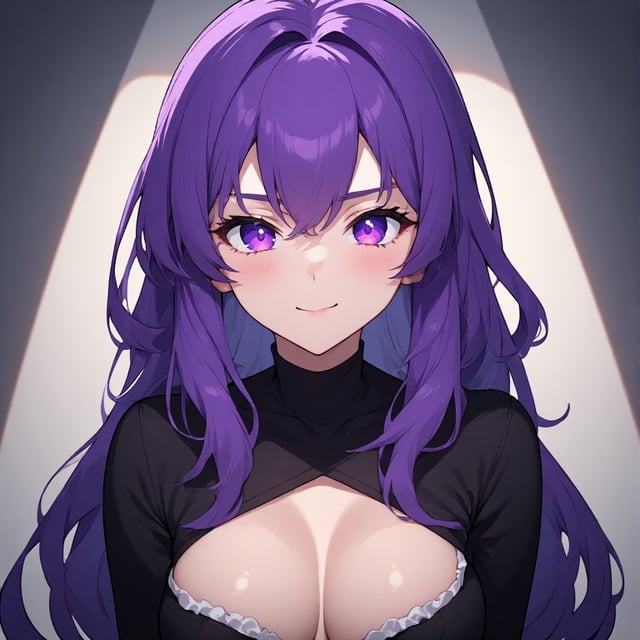
8kAnime Example (Animagine XL)vividviper,
cute anime girl,
school uniform,
cherry blossoms,
bright sky,
clean cel shading,
vibrant colors,
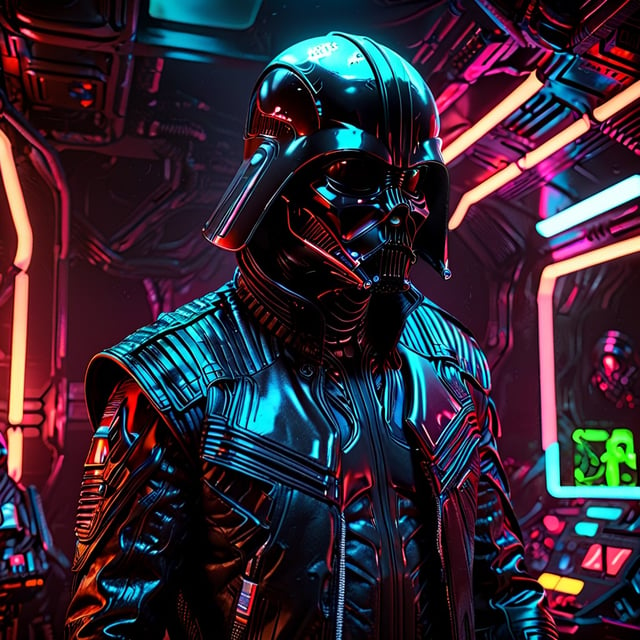
masterpieceSci-Fi Examplevividviper,
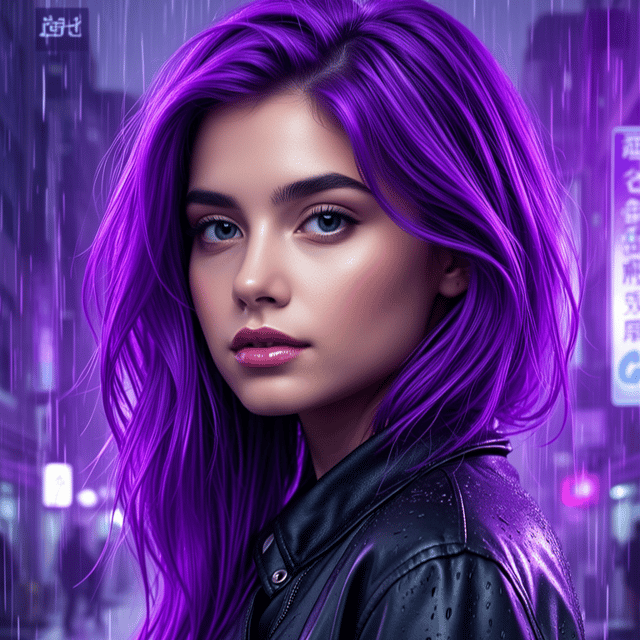
cyberpunk mercenary,
neon city,
rain,
reflective armor,
cinematic lighting,
ultra detailed,
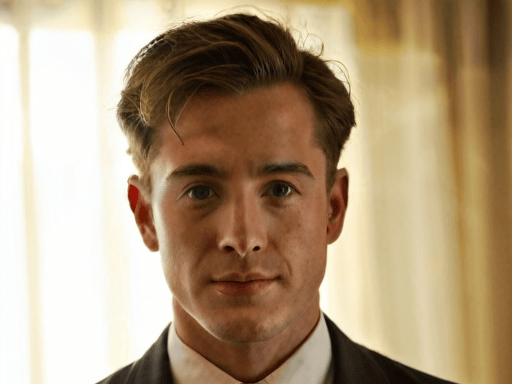
concept artPhotoreal Examplevividviper,
handsome man,
studio photography,
Rembrandt lighting,
85mm lens,
realistic skin,
photorealistic,
high detailConcept Art Examplevividviper,
ancient titan,
storm clouds,
dramatic composition,
god rays,
epic fantasy concept art,
high detailWorks Great WithVIVIDVIPER plays nicely alongside:Character LoRAsClothing LoRAsPose LoRAsBackground LoRAsStyle LoRAsControlNetIPAdapterRegional PromptingAdetailerHiRes FixUltimate SD UpscalerRecommended SettingsSDXLSamplerDPM++ 2M KarrasSteps25–35CFG5–7Resolution1024×1024Animagine XLSteps28–35CFG5–7Weight0.8–1.0SD 3.5 LargeSteps20–30CFG4–6Weight0.6–0.8ChromaSteps25–35CFG5–7Weight0.7–0.9Negative PromptUse your usual negative prompt. A solid starting point is:low quality,
worst quality,
blurry,
artifact,
noise,
oversaturated,
deformed,
bad anatomy,
extra fingers,
missing fingers,
text,
watermark,
logo,
signature,
cropped,
jpeg artifactsAnime users may also add:bad hands,
bad eyes,
lowres,
messy lineart,
poor shadingTipsStart around 0.7–0.8 for the most natural enhancement.Increase the weight for richer colors and stronger contrast.Combine with your favorite style LoRA without overpowering it.Works well on both simple prompts and highly descriptive prompts.Excellent for img2img, hires fix, and upscaling workflows.If your checkpoint already produces saturated images, lower the weight slightly for a more balanced result.