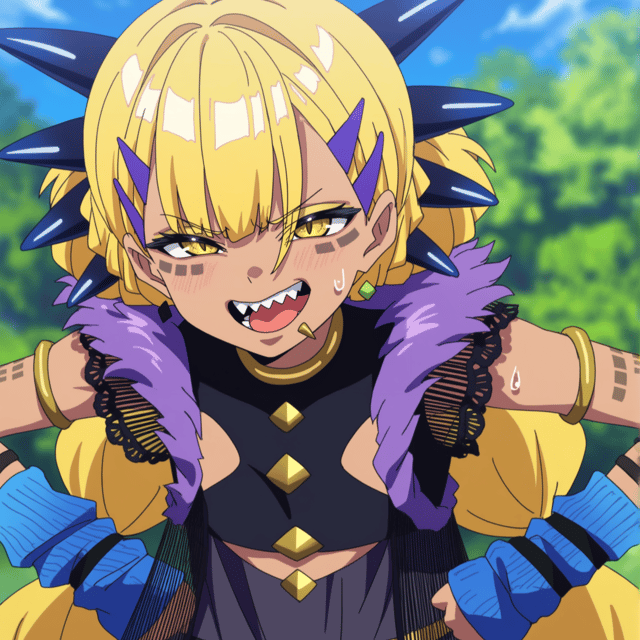
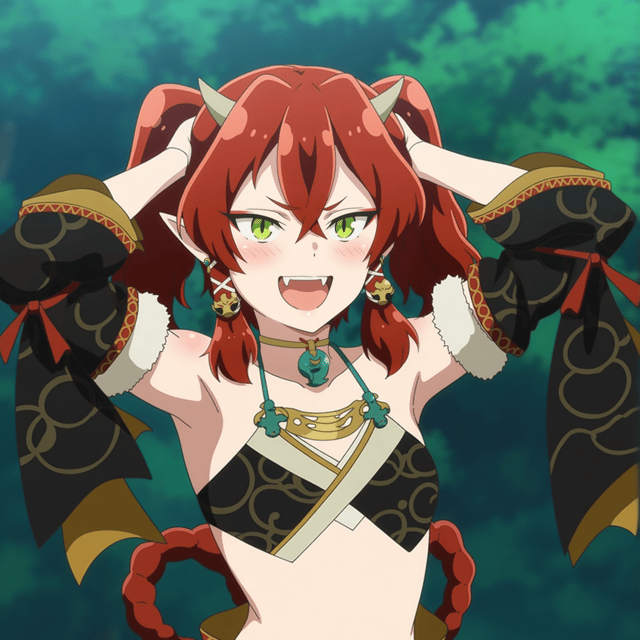
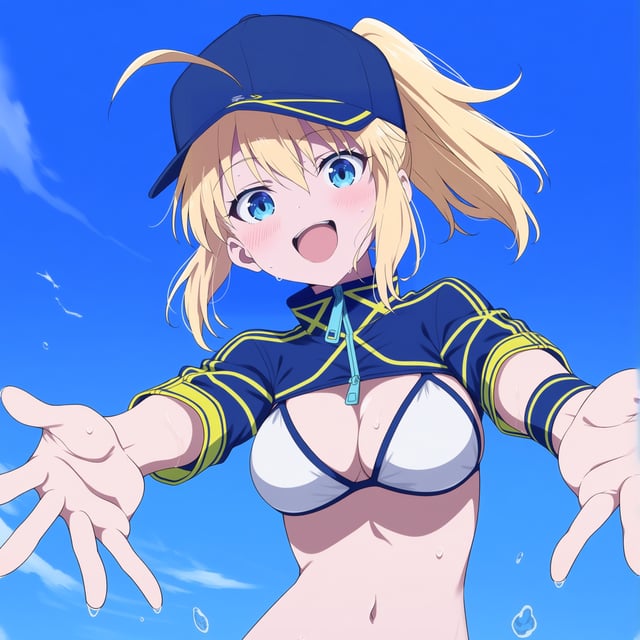
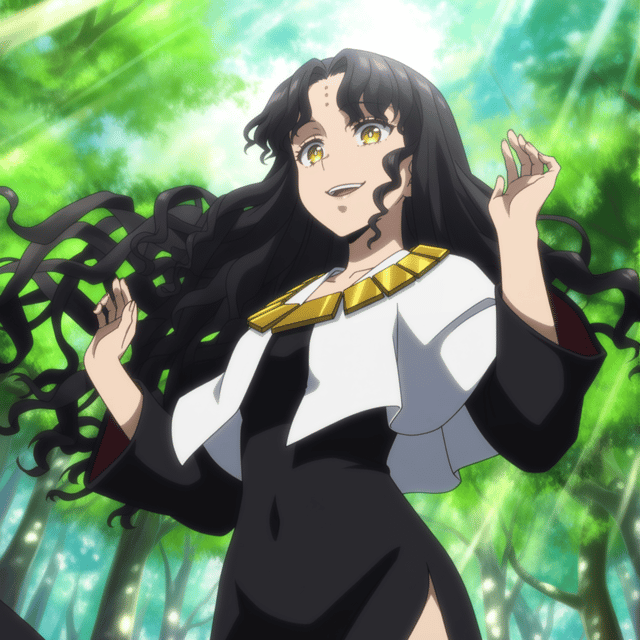
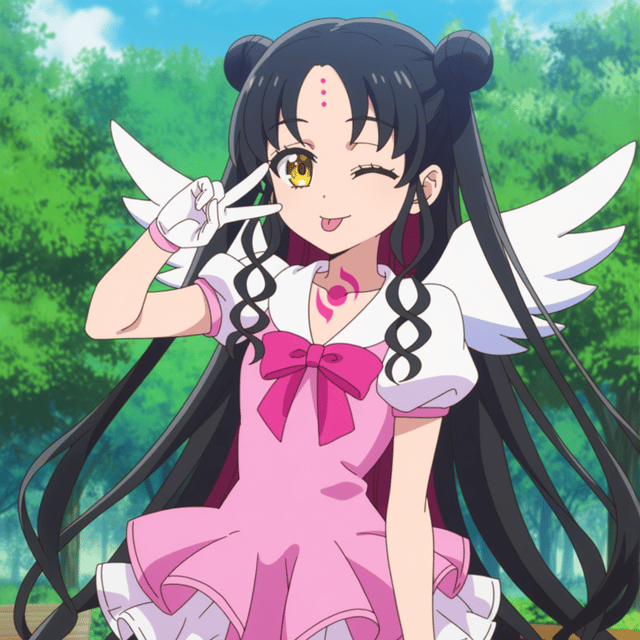
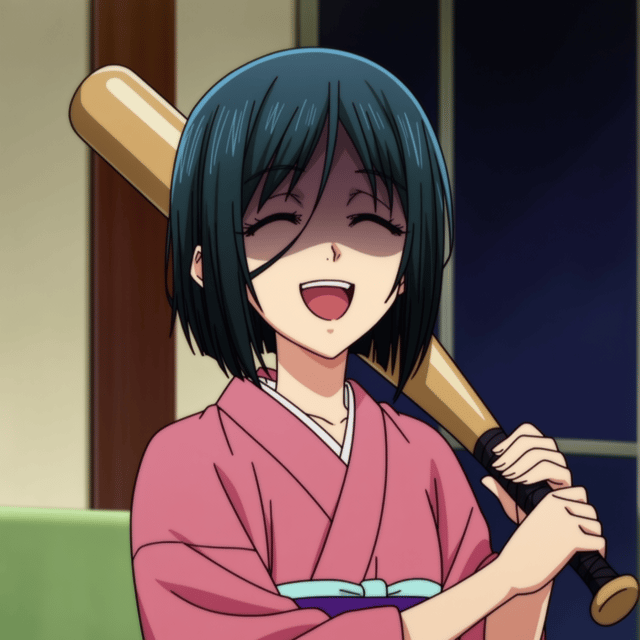
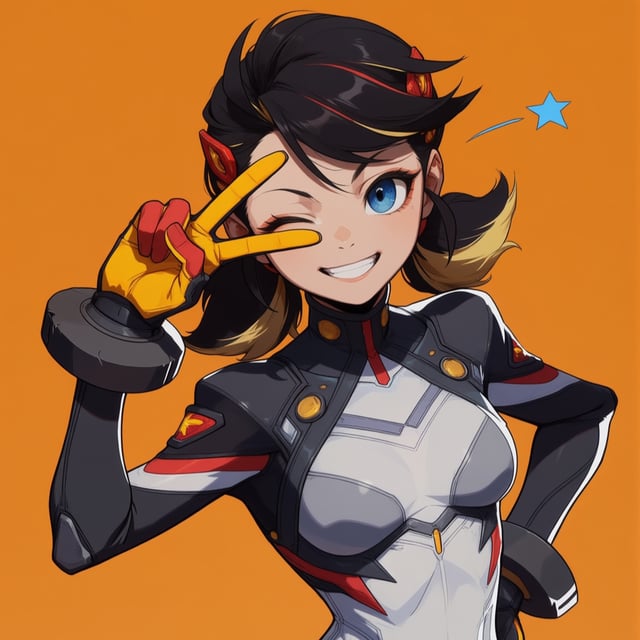
Anima prompting (Natural + Tags) with LORA
IntroI'll try to keep it simple; this is a guide of how to combine natural prompting and tags. Especially for the use of Lora that works with tags.Anima's most notable feature is how well it understands natural prompting while still working with tags so you can get what you are looking for, usually a lot more accurately without relying on "luck."I won't claim things like this are the "best way" or "most efficient" of doing so. This is just what my personal experience gives faster results.No need to mention this will depend a lot on your model of choice, sampler, the LORA you use, resolution, and all other factors.I want to remark again that this is over all thinking on LORA models that work with tags. How to bend those tags with natural prompting in a way that works well. Although some of the principles may work, it won't be a universal answer.The context of the guide is that you want to make an image with natural language, and you want to use tags for the girls, either because you want an OC or because you are using a lora. The prompt is simple enough.If it is something you could pull out easily on Illustrious/Pony, etc... Don't make your life harder than it should, just prompt entirely with tags and that's it.solo, 1girl, blunt bangs, long hair, brown hair, brown eyes, earrings, tied hair, single sidelock, chinese clothes, green dress, detached sleeves, wide sleeves, sash, red skirt, from behind, turning around, smile, outdoors, open mouth, florwer field, petals, wind, blush, happy, looking at viewerIllustrious on the left, Anima on the right, exact same prompt.Natural + tagsNow, if you want to use natural prompting because you feel that tags alone won't be accurate enough for what you are looking for or simply because you feel more comfortable with it, the simplest way of getting what you want is to do the following:First, start by describing the scenario you desire. Essentially, you should describe the image without considering the character's traits at all. Simply, what is the image about, and what's the character doing?Right after that, after a "." or on a different paragraph, it doesn't matter. You proceed to add the tags that define the girl in detail as if she were an illustrious generation, "brown hair, blue eyes, etc., etc."girl sitting holding a cup of tea with both hands sniffing the tea's aroma with closed eyes an a smile on her face. There is a teapont and an empty plate on the table. Blunt bangs, long hair, brown hair, earrings, tied hair, single sidelock, chinese clothes, green dress, detached sleeves, wide sleeves, sash, red skirt, <lora:lymsleia_anima_neclord:1>, masterpiece, best quality, score_9As you can see, it understood well even with my typo.Another example:Girl on a garden crouching petting the belly of a golden retriever puppy. The puppy is lying on the ground on his back upwards. Blunt bangs, brown eyes, long hair, brown hair, earrings, tied hair, single sidelock, chinese clothes, green dress, detached sleeves, wide sleeves, sash, red skirt, open mouth, smile <lora:lymsleia_anima_neclord:1>, masterpiece, best quality, score_9Things like little details like sweat, expressions, weather, and location—if they are simple enough, you can put them in the description of the image, like "girl holding a baseball bat in a flower field smiling," but if you want a bit more specific face or something, it is better to NOT say anything, just "girl holding a baseball bat," and then add it to the prompt as tags. "Smug, half-closed eyes, open mouth, blush, upper teeth only, outdoors, flower field."In my testing you will have a better time if you add them after the description, but if it is not too specific, you can drop it in the description.Multiple charactersHere things get tricky, but still the idea is basically the same: you describe the image as a whole without specifying anything about the characters at all. Then you describe each character individually with tags. The only difference is that you need to be VERY CLEAR about which character has which traits. Then all there is left is to pray to gacha gods because with two characters in play and no extensions (currently), there is going to be some luck factor involved.Two girls in a library. The girl on the left side is holding a book on her hands and its showing the contents of the book to the other girl with a mischievous smile on her face. The girl on the right is looking at the book panicking with very embarrassed face and is covering her mouth with her hands. The girl on the left has dark skin, black hair, yellow yes, pointy ears, ponytail, hair over one eye, red track suit. The girl on the right has Blunt bangs, brown eyes, long hair, brown hair, earrings, tied hair, single sidelock, chinese clothes, green dress, detached sleeves, wide sleeves, sash, red skirt, open mouth, smile <lora:lymsleia_anima_neclord:1>, masterpiece, best quality, score_9AfterwordThis is pretty basic, I know; maybe you all know that and think I'm like trying to state the obvious. But believe me, I've been asked because "anima not working properly" shows the prompts and thinking, "Yeah, I myself wouldn't know what you would want me to draw, so there is no way the AI can know it." Long walls of text describe the image; at the same time, they describe the girls and the background and some tags here and there in between, so obviously things get kind of confusing.So I wanted to share my way that is more methodic and steady. May be for some people will be too basic, I understand, But...I don't know, it works as far I'm can tell.Full images: Tutorial images - Best AI Art Prompt | Tensor.Art | Tensor.Art