


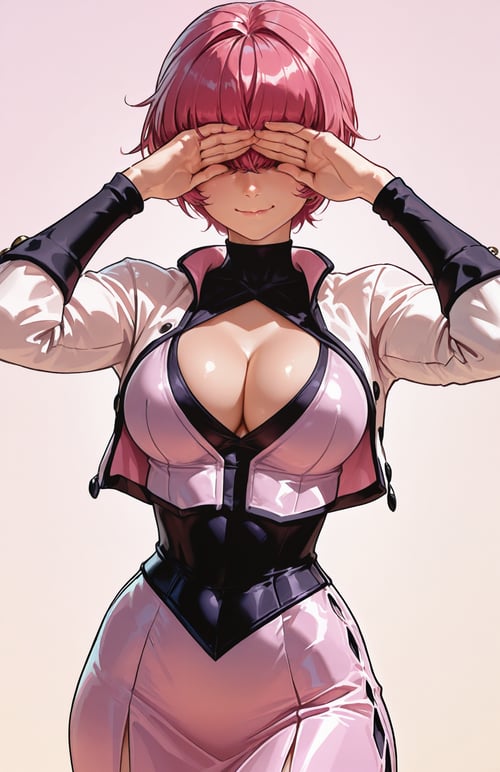
Project Pygmalion
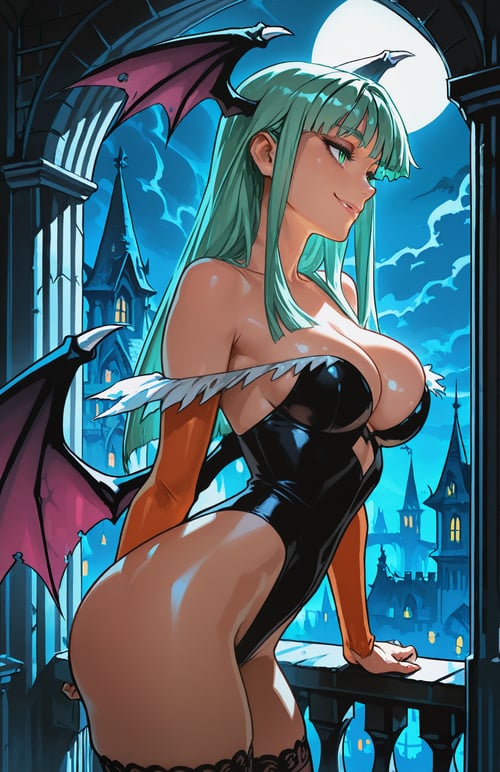
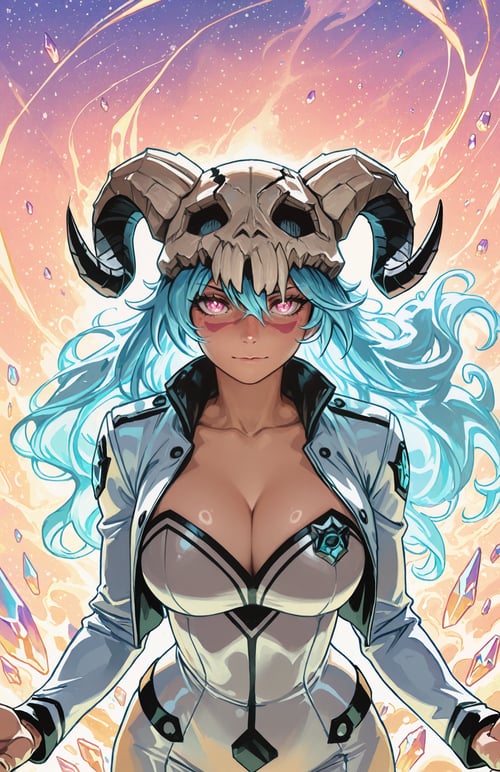
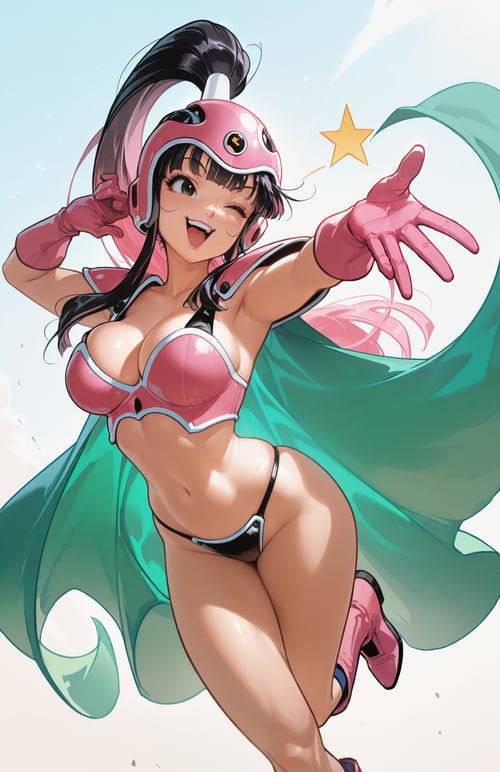
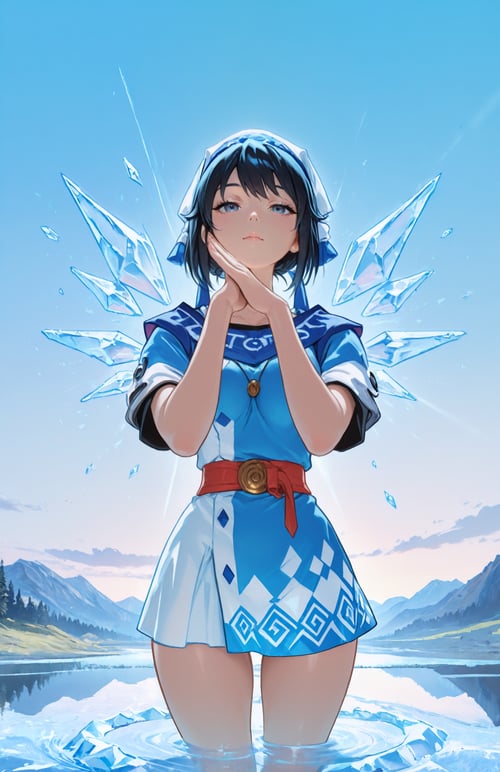
A vibrant Illustrious merge focused on expression.
About the Model
This is a merge I put together using Illustrious checkpoints. (Waikitty's Model Basket, Indexed, MaturaNero, and Hassaku)
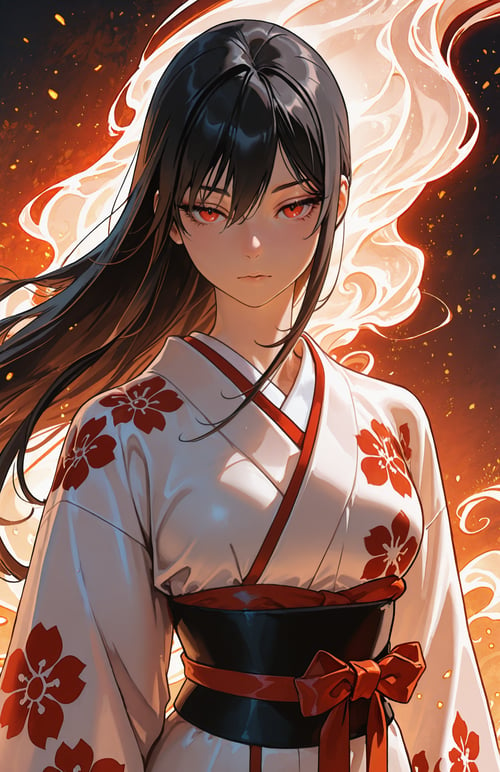
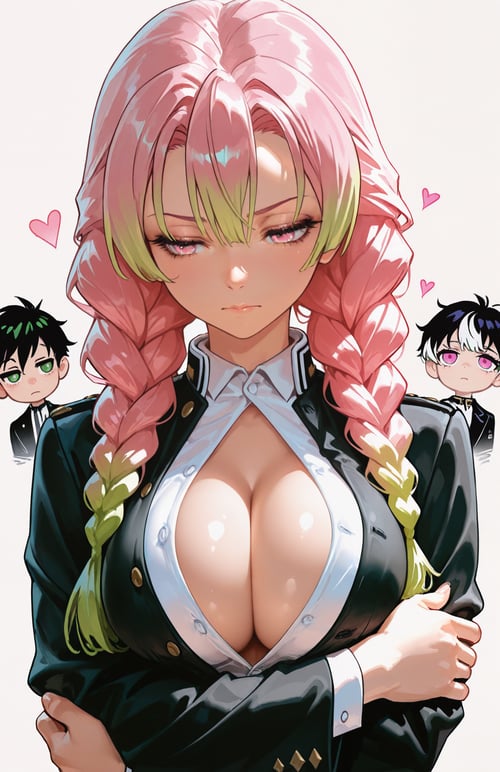
My main goal with this project was to fix the "blank stare" issue I was getting with other models (suggested by @zekses). I wanted to create something where the characters actually look expressive and "alive," rather than just standing there.
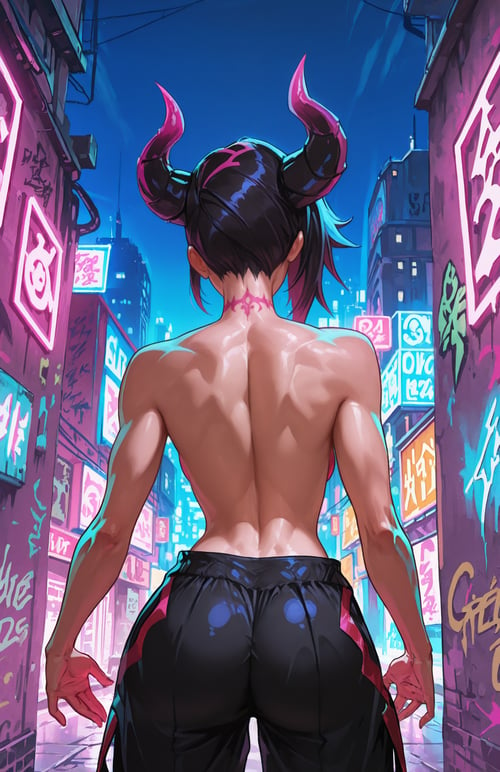
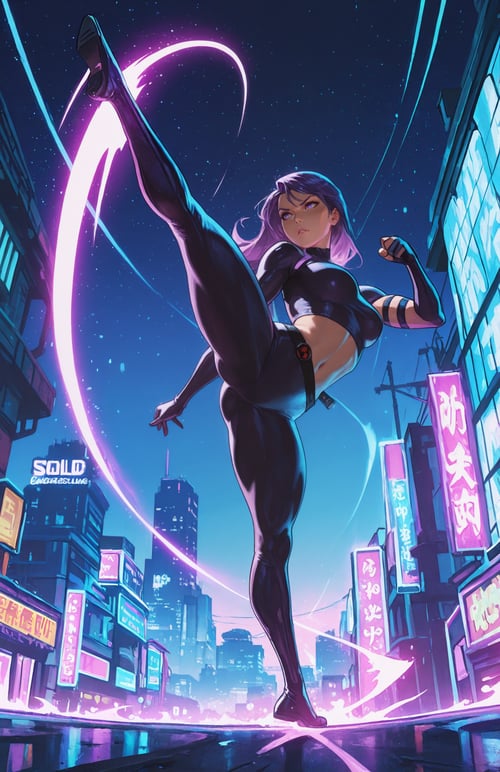
Style-wise, it sits somewhere between anime and western comics. You can expect bold outlines, vibrant colors, and very clean composition without needing a massive negative prompt.
Important: Tagging
Use standard quality tags instead:
masterpiece, best quality, very aesthetic, absudres
My Settings
I’ve found this specific setup works best to get the look in the sample images (like the Miku example).
Sampler: DPM++ 3M SDE (or dpmpp_3m_sde_dynamic_eta in ComfyUI)
Scheduler: Kl_optimal
Steps: 35 (I prefer slightly higher steps for better detail)
CFG Scale: 5.0
Resolution: 896x1152 works great for portraits.
Prompting Tips
Framing: The tag cowboy_shot is great for getting that "knees-to-head" framing I use in the examples.
Style: Tags like comic style, bold outlines, and vibrant help bring out the model's specific look.