


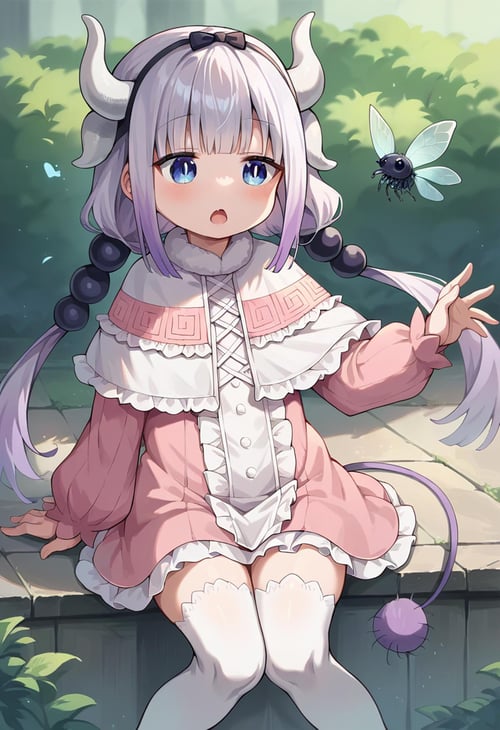
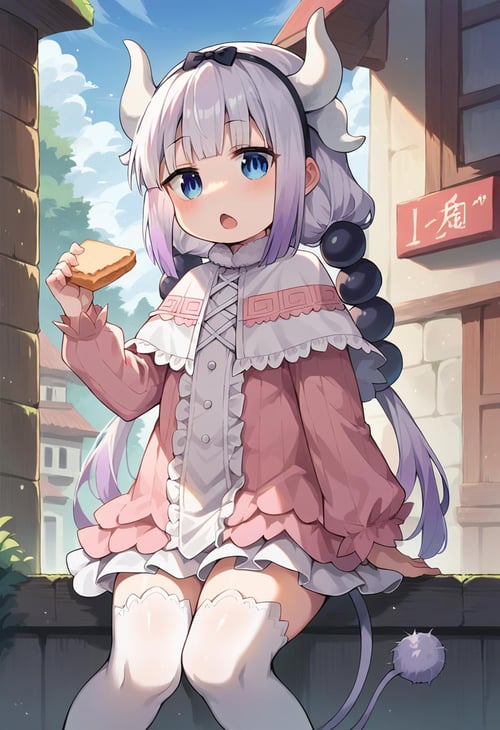
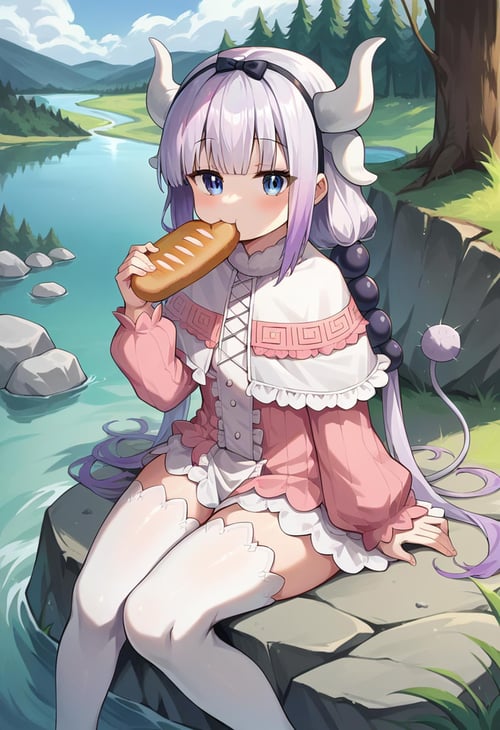
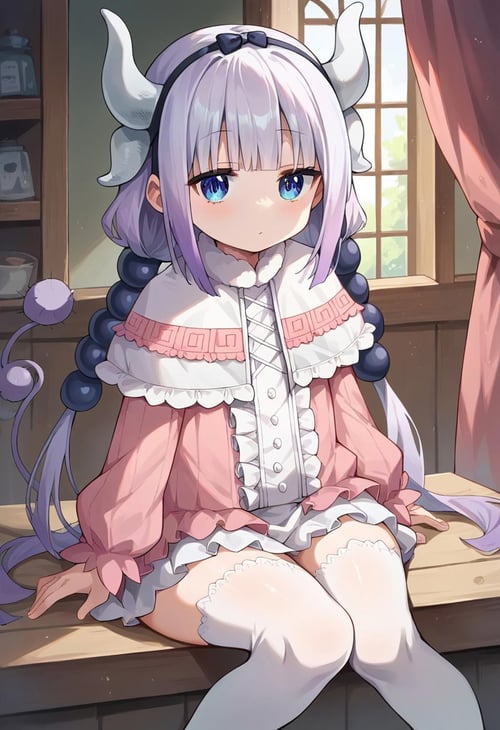
IMPORTANT: READ BELOW
the training used alot of fanart if you want anime style use "anime screencap" prompt
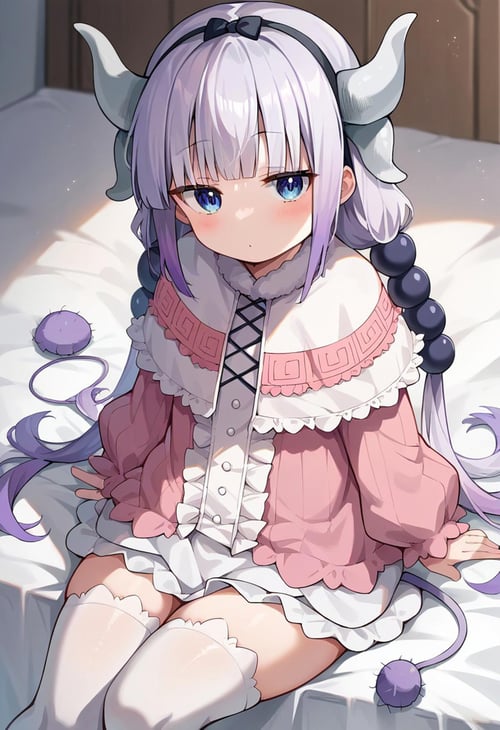
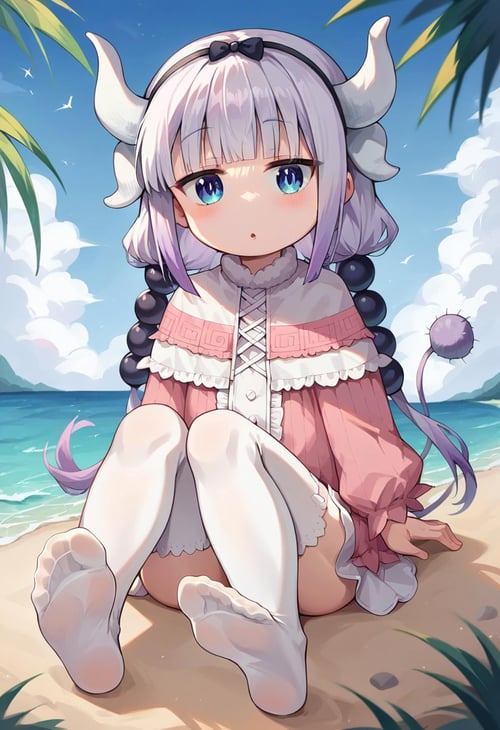
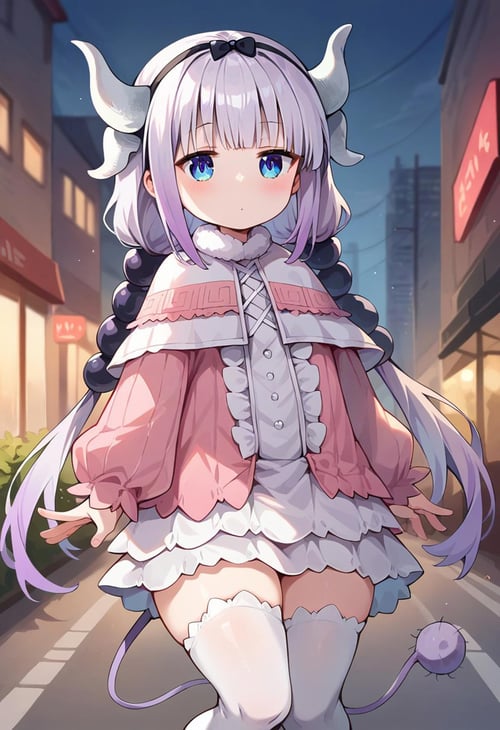
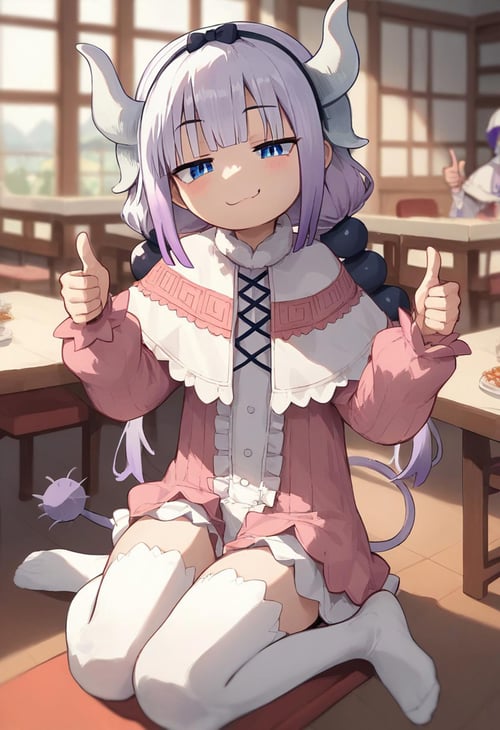
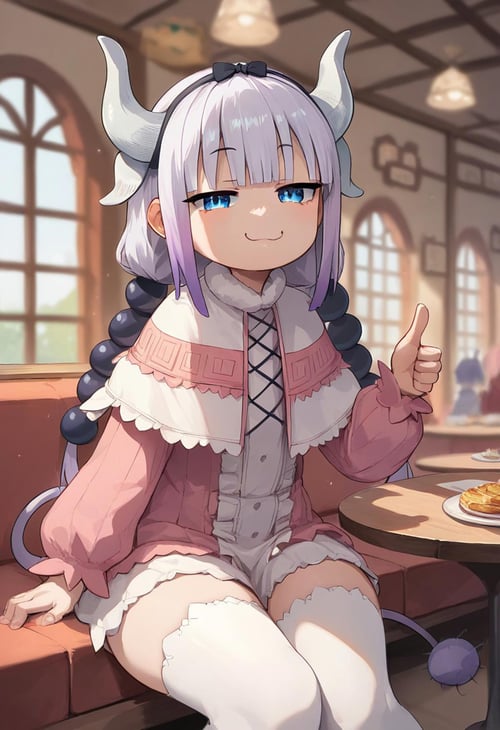
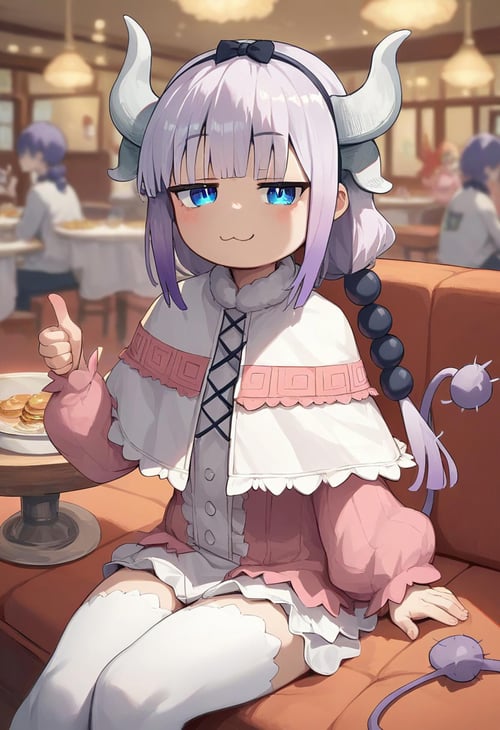
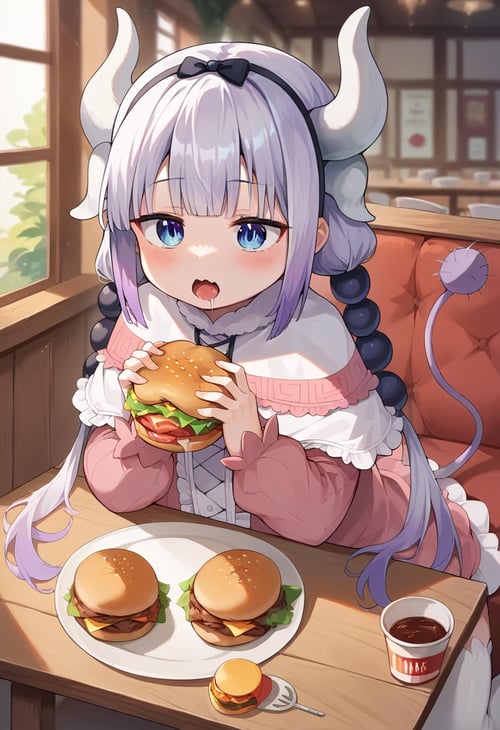
Trigger word(s): ct_k4nna,
Clothing 1 regular: frilled dress, frilled capelet, puffy long sleeves, white thighhighs, headband, dragon horns,
Clothing 2 school: school: frilled dress, frilled capelet, puffy long sleeves, white thighhighs, yellow hat, red bag, red backpack,
Example
Positive prompt ✅:
score_9, score_8_up, score_7_up, source_anime, masterpiece, 1girl, ct_k4nna, frilled dress, frilled capelet, puffy long sleeves, white thighhighs, dragon horns, headband, tail, indoors, wooden floor, jitome, cowboy shot, portrait, facing viewer, looking at viewer, chestnut mouth, hand up,Negative prompt ❌:
sketch, 3d,Recommended resolution, aspect ratio for sdxl, pony 📷
768 x 1344: Vertical (9:16)
832 x 1216: Portrait (4:5)
1024 x 1024: Square (1:1)
1182 x 886: Photo (4:3)
1254 x 836: Landscape (3:2)
1365 x 768: Widescreen (16:9)
Work flow, procedure 🔧
1. Collect dataset (booru, anime screencaps, search)
2. Clean up dataset using upscalers, inpainting and photoshop
3. Tag dataset using booru github
4. Train LoRa in kohya ss locally github
5. Test epochs using xyz grid in controlnet to ensure LoRa is not overfitted/underfitted.
6. Submit model to CivitAI profile
do not ask me training parameters, check lora metadata for training parameters