


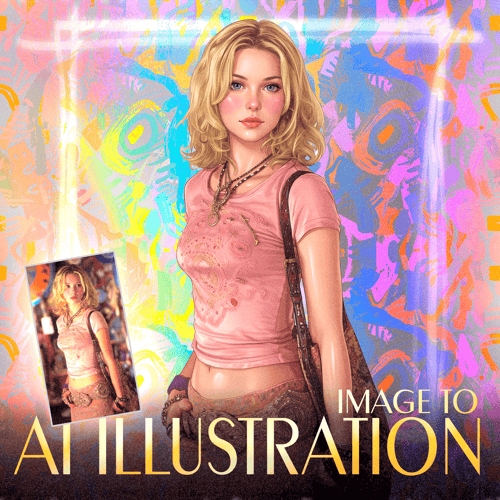
How to use:
Open the EDIT tab (creation mode).
Add this Lora.
Add input image.
Insert the trigger prompt.
Click on generate.
[Main Prompt:
Transform the input @Image into: a highly polished semi-realistic pin-up illustration with smooth airbrushed rendering, glossy highlights, clean linework, soft skin shading, and fashion-editorial aesthetics. Preserve the identity, pose, clothing, hairstyle, body proportions, and accessories while rendering everything in the refined digital painting style. Use high-detail features, luminous skin, subtle blush, glossy materials, crisp fabric textures, and elegant stylization.
]
[Isolation Prompt:
The character should be fully isolated, centered, standing on a pure white background with no environment, no shadows beyond a minimal soft grounding shadow, and no additional objects. Full-body composition, studio-quality illustration, ultra-clean presentation, high resolution.
]
What parameters use?
Weight: 1
Scheduler: Euler/Beta
Steps: 25
CFG: 1