


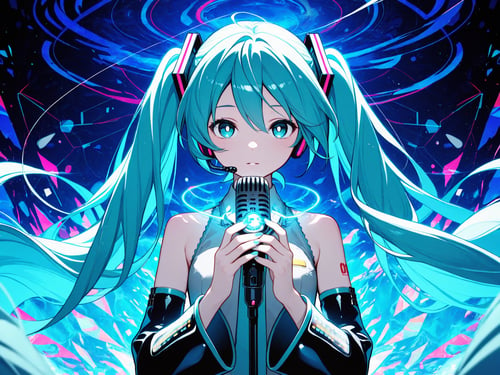
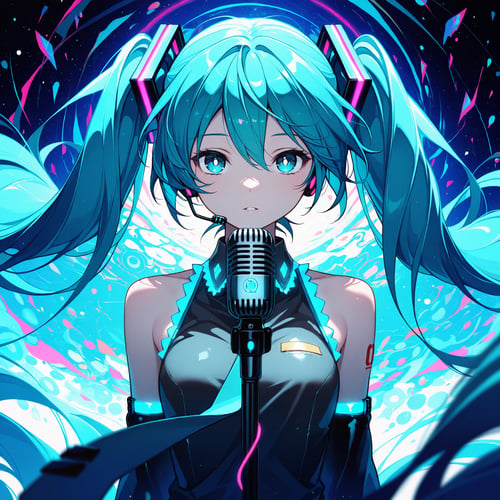
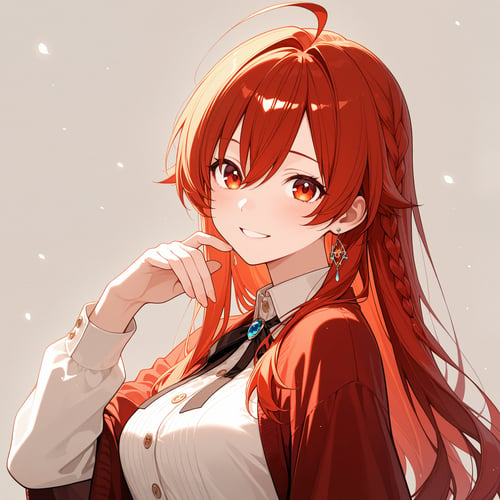
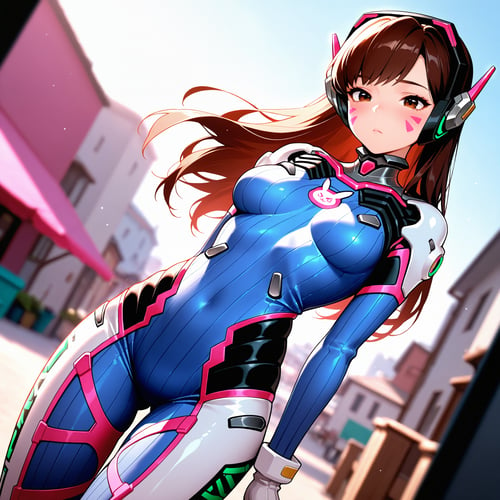
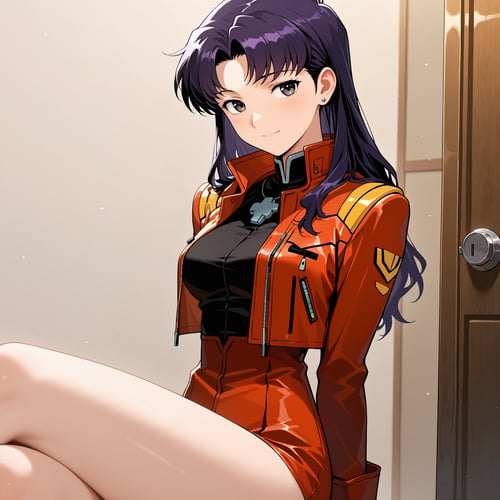

Engineering the Zero-Shot: The 1911A2 Bounty Hunter Protocol
Anime generation for everyone
The "Bounty Hunter" system is an accessible way for anyone to create beautiful anime artwork with AI. It allows the user to prompt very little, but still achieve a clear, accurate, and aesthetically pleasing image, allowing the system to do nearly all of the heavy lifting. It specializes in portrait style or single subject images, and it is capable of producing multi-subject images with high levels of quality. Instead of needing long, highly descriptive text prompts from the user, this "zero-shot" generation tool hopes to empower inexperienced prompters to use AI to create high-quality characters with layered backgrounds.
The Bounty Hunter's foundation is a two-step process, with the first step establishing the structure of the piece. The AI is tuned to spend extra time specifically focusing on the foundation of the image, while generating at the smallest possible resolution. The foundation includes things like the subjects and their poses, the objects in the image, the lighting, and anything that's part of the composition and overall layout. Step one is kind of like the line artist for an illustration, preparing a piece to be finished by other artists, or the 3D sculptor of a mini-figure. Before passing off the piece to the next step, the image is "upscaled" (made larger) by being passed though latent refinement (checking pixel by pixel), mimicking "hi-res upscaling" (a common image generation tool).
PROMPT GUIDE:
I've been using Wai-Illustrious since I began my public work with generative AI in January 2025. I've used most of the versions from 8 - 15, and I am currently testing multiple versions to create additional specialized ComfyUI workflows. Here's some of the assembled information I have learned about prompting this particular checkpoint, combination KSamplers, and workflow.
Wai-Illustrious tag resources:
(online character and tag finder) https://huggingface.co/spaces/flagrantia/character_select_saa
(SAA Character Select)
https://github.com/mirabarukaso/character_select_stand_alone_app
1. This thing works best with pure danbooru tags. Natural language can work, but it seems to add more morphing, weird problems, and artifacts. Use natural language sparingly and sparsely for when a tag does not quite fit your vision.
2. Negative prompts are exponentially stronger than positive prompts. For example, you can generate a complete and mostly accurate image with just the default or slightly improved Wai-Illustrious creator negative prompt without any positive prompting. As such, use lighter and tighter negative prompts rather than flooding the model with instruction noise during generation by feeding a 500 character negative prompt.
3. I try to keep my prompts as short and concise as possible, using white space and line breaks for human readability and separation of different sections of the prompt. This is what the creator of Wai Illustrious does as well, though they seem to prefer just the use of white space as form of separation. Less characters is better, since its a much more clear and much less ambiguous input. Simple words make for simple tokens which reduce ambiguity during generations. For example, imagine a dude emailing "MAKE ME TIFA!" for an artist commission is 17 different sentences using mostly the same words, each emphasizing different "best" parts of Tifa without really specific details about their vision of the scene, composition, lighting, styling, etc. This dude then starts doubly repeating what they don't want to see or the "worst" parts of Tifa across 34 sentences in a completely separate email, and then ending that entire email chain with paragraph with "masterpiece,best quality,high quality, no weird stuff".... That's not going to be a good commission for the artist to create or iterate for improvements. That's essentially what a person is doing when they flood the CLIP and generation model with excessive natural language positive and negative prompts. Compare that previous example to a commission email that simply reads "masterpiece anime style picture of Tifa Lockhart from above while pursing her lips. No bad images, sketches, comic style, floating text blocks, or bad hands." That's a much clearer request, input, and prompt for that artist to create a better image.
4. Structure your prompts! This helps you find your best prompts in the moment as well as archive them for later, and it helps the model know what you want in an orderly fashion. Most AI systems, including ComfyUI, Illustrious, and SDXL, have "prompt weights" which favor things closer the to beginning of the prompt. You need to tell the AI things in a standardized format to help it understand what you want to see as well. Moving things around in your prompt, from lower to higher in the order or vice versa, helps alter or define the image! Use parentheses sparingly but effectively to highlight the most important part of the prompt or to coach the model where it is having problems. My standard structure is listed below with a "zero-shot" prompt example, or a prompt that got what I wanted the first try, as well as an example of engineering out a tag spelling and order error. This was not a perfect prompt, because such things do not exist, however it was very quality and resulted in multiple showcase or publication quality images with no morphs or anatomy problems when run on a 4 image batch. That's as close to "zero-shot" as I have gotten with these checkpoints. I've created this specific prompt engineering structure using official guides, released images and workflows, community resources, multiple AI virtual employees, danbooru wiki, and the Wai-Illustrious SAA Character Selector.
5. It is better to run one gen at a time, analyze, adjust your prompt, and get a stellar result than prompt 100 times in a long overnight batch using the same prompt and hope the robot will get it right. Robots follow YOUR instructions, they will not "get it right" one time by chance. You will likely get more machine garbage and morphs than you can physically sort using the largest and fastest batch method rather than my recommended single shot iteration strategy.
6. If you find an image you like, save the seeds, prompts, and parameters somewhere safe to experiment with later!
7. There are many, many tools and variations. Some examples are LLM-assisted prompting, auto-tag converters, wildcards, dynamic prompting, embeddings, multiple koma/comic panel style images, multiple characters, anthro/furry content, and much more. I have only begun to scratch the surface here and in my testing. Community resources are often your best bet to learn and challenge yourself! Try some CivitAI bounties! That's how I was inspired to make this version of the 1911!
Standardized Positive Prompt Structure
DEFAULT PROMPTS FIRST to help coach the model into a great artistic space.
Follow that with construction elements in this order perspective, angle, depth of field/focus, lighting, number of subjects, and general style.
Specific characters and franchises or series.
1girl,2boys, etc. tags to help focus the model on the desired number of subjects.
Subject 1 description. Eyes, view/gaze, expression, hair, make-up, physical bodily description, clothing and shoes, jewelry, pose and posture.
Subject 2 description.
Background description, indoor or outdoor, room, objects, end on white space
Sample ORIGINAL ERROR positive prompt which still produced favorable results:
masterpiece,best quality,amazing quality,general,
from below,cinematic angle,depth of field,soft lighting,
1girl,
samus aran,blue eyes,looking away,blonde hair,ponytail,
combat stance,holding handgun,
cave interior,stalactites,green glow,monster,metroid
While making this guide, I attempted correcting this prompt to the following by injecting some "metroid" into the end of the prompt to hope that the AI would add something interesting or creative. Instead, it morphed Samus's chest to have her orange armor and glowing purple button. Not what I intended. I corrected it below with "alien" as a replacement tag! I ended up keeping these as examples for you to run yourself, to see which works better for you and your environment.
Sample CORRECTED Positive prompt with 4 batch perfect run (on my machine/environment):
masterpiece,best quality,amazing quality,general,
from below,cinematic angle,depth of field,soft lighting,
1girl,
samus aran,blue eyes,looking away,blonde hair,ponytail,
combat stance,holding handgun,
cave interior,stalactites,green glow,monster,alien
Sample negative prompts:
bad quality,worst quality,worst detail,sketch,censor,patreon,watermark
bad quality,worst quality,worst detail,sketch,censor,patreon,watermark,motion lines,emphasis lines,speed lines
bad quality,worst quality,worst detail,sketch,censor,patreon,watermark,bad anatomy,bad hands,bad feet,text,motion lines,emphasis lines,speed lines
OR
bad quality,worst quality,worst detail,sketch,censor,bad anatomy,bad hands,bad feet,patreon,watermark,text,motion lines,emphasis lines,speed lines