


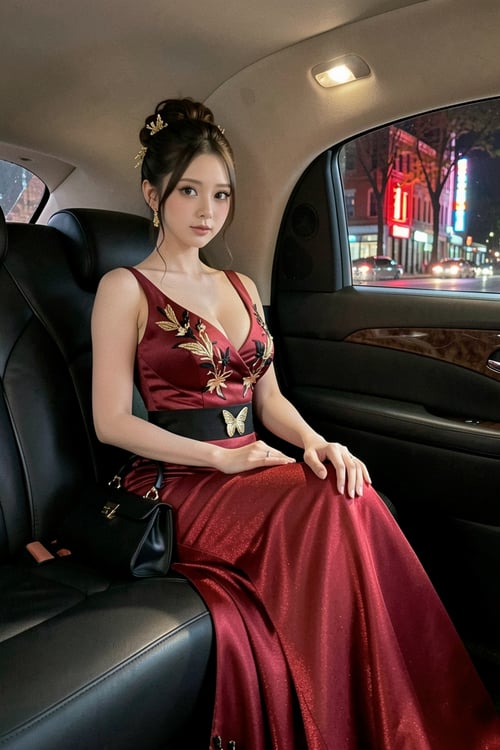
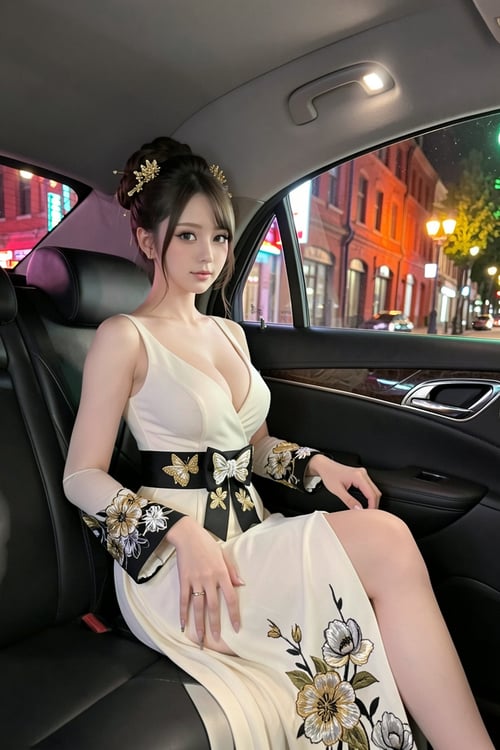
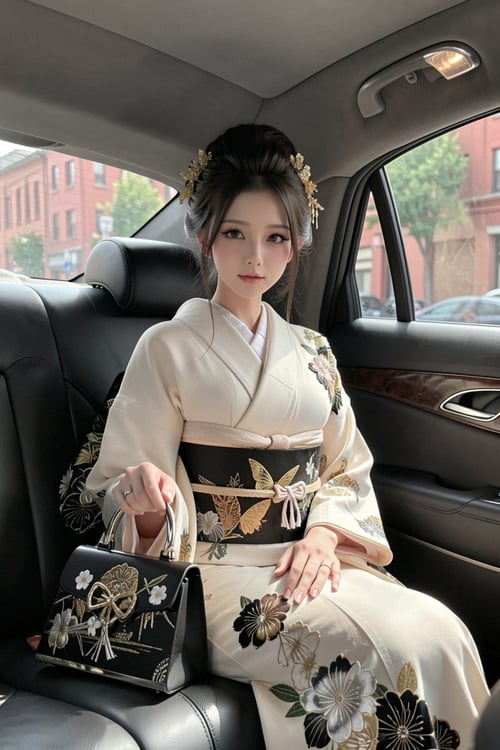
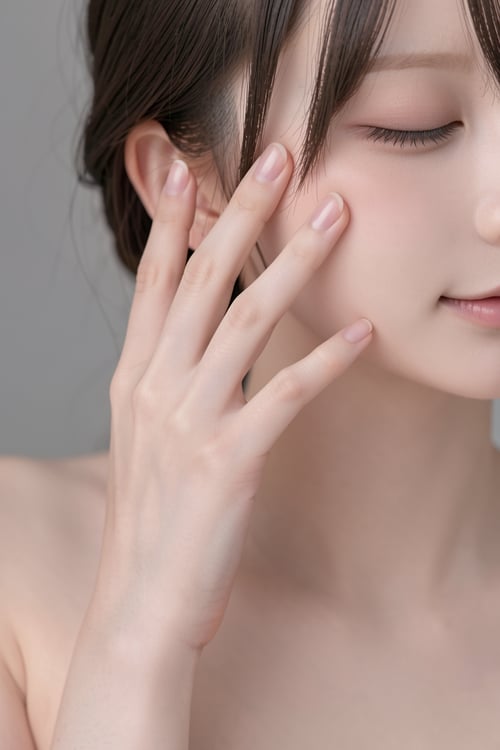
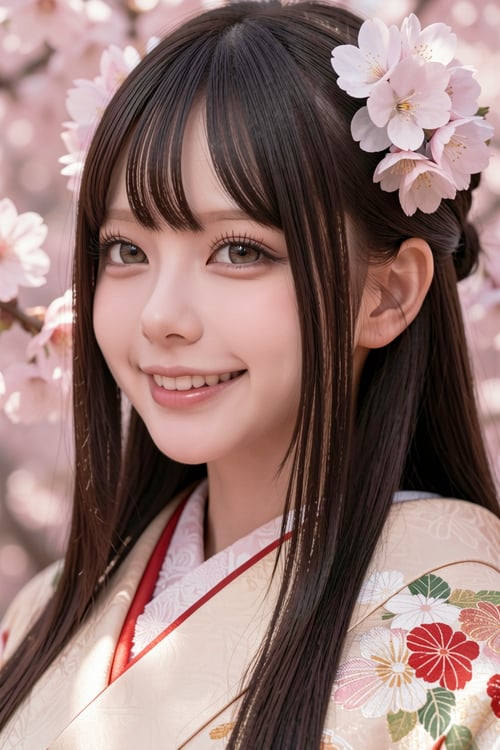
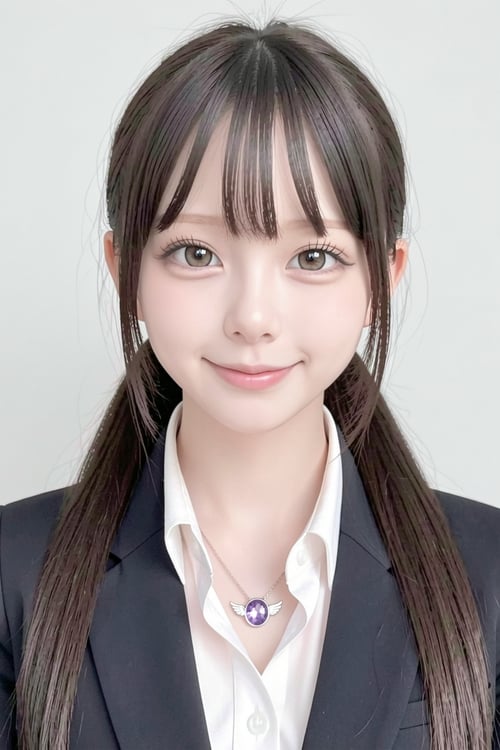
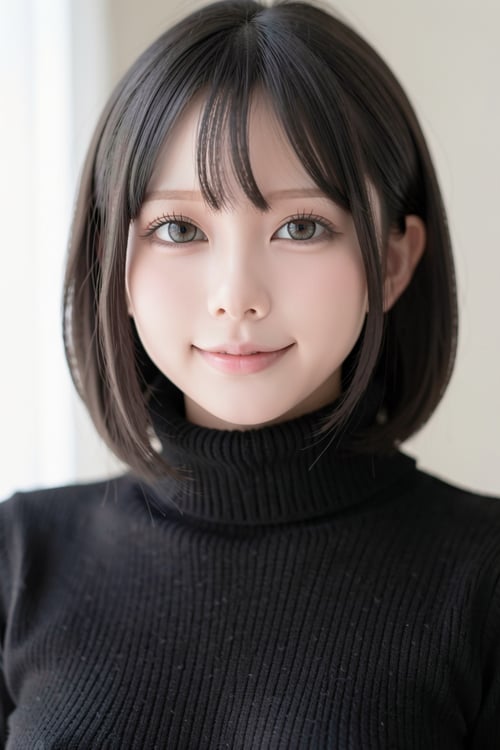
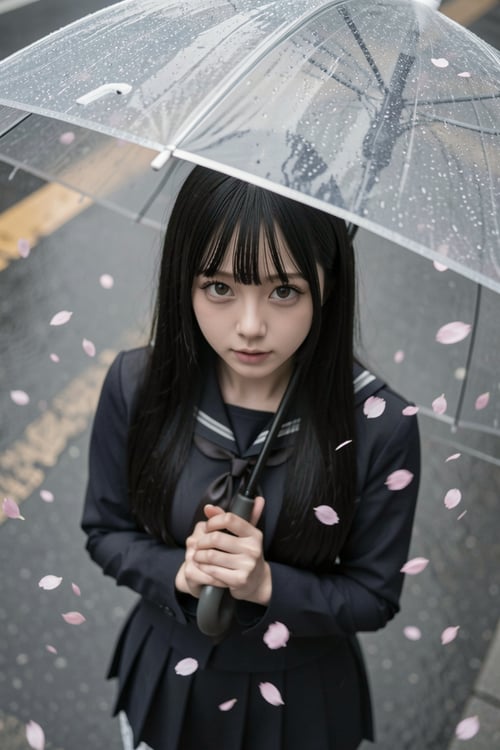
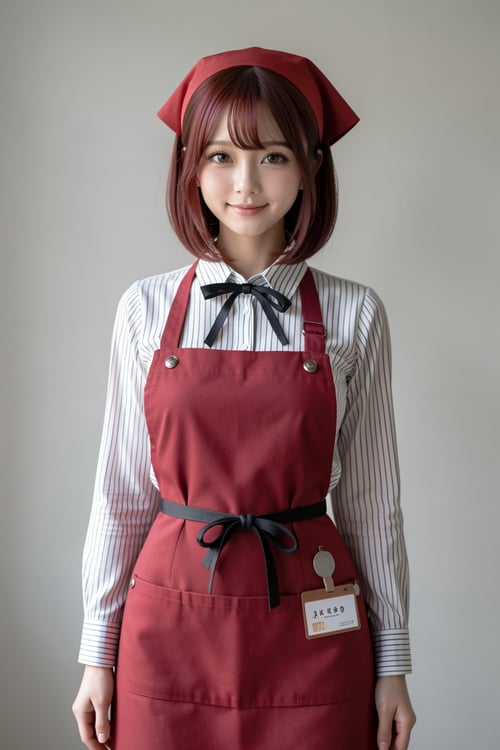
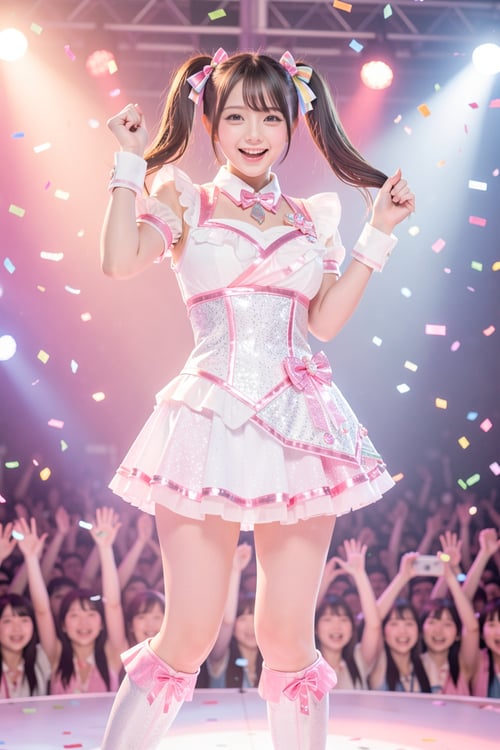
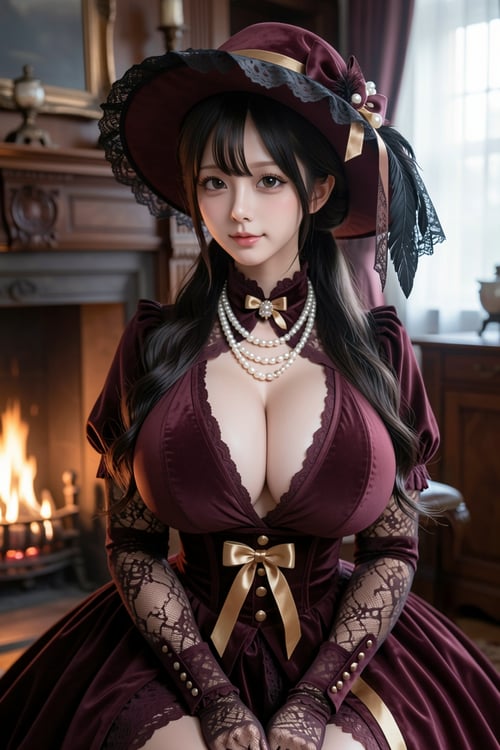
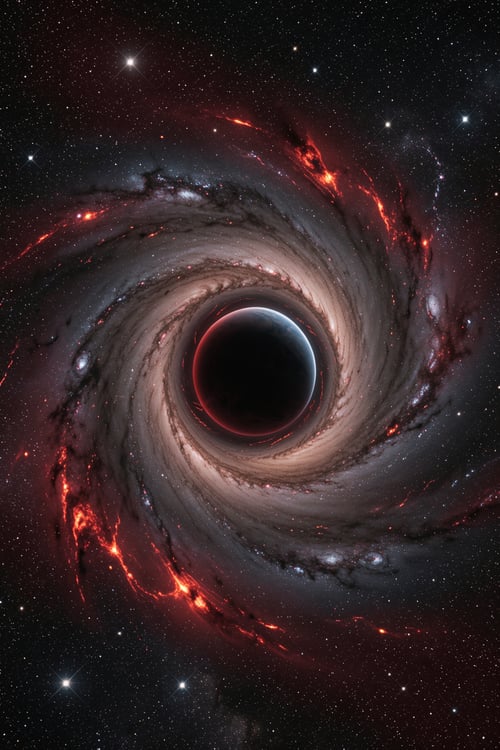
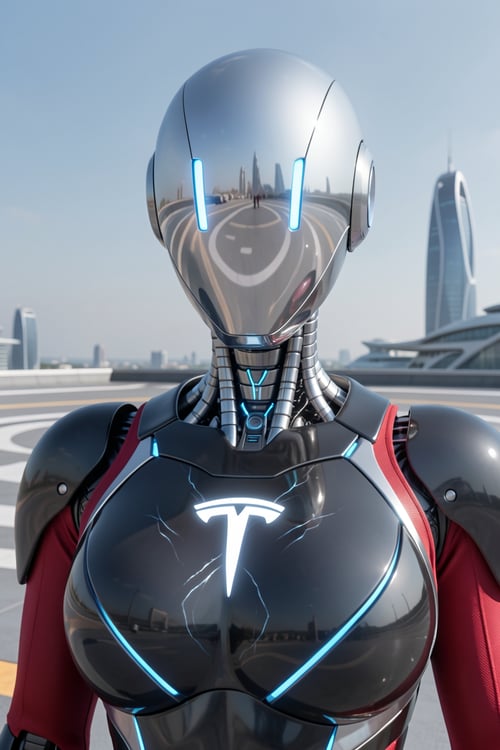
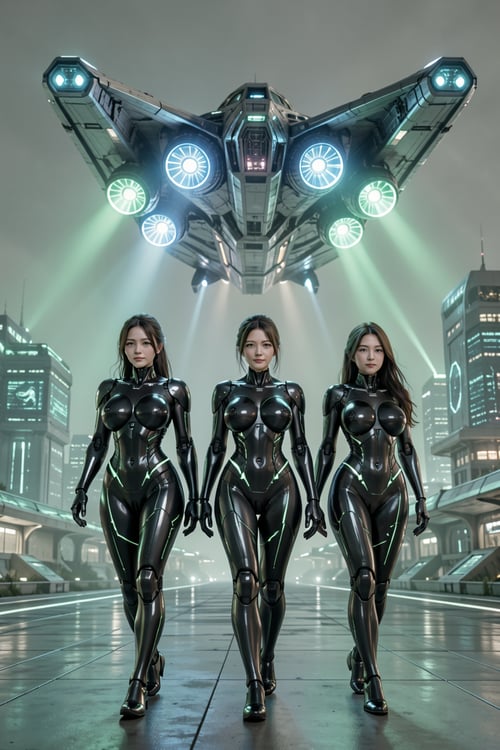
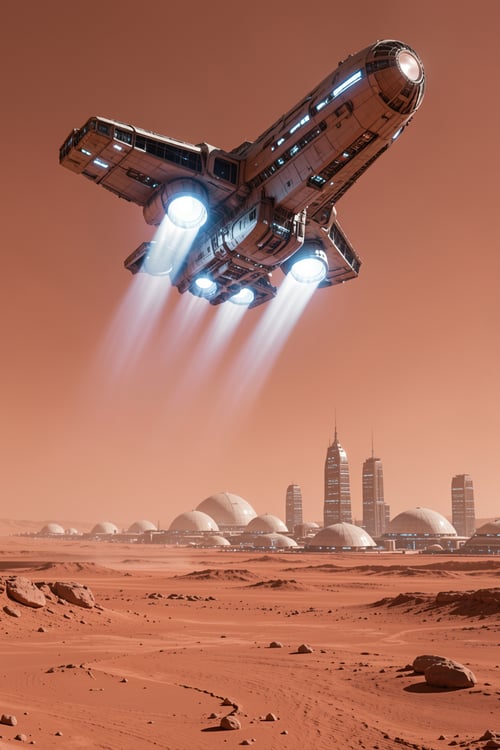
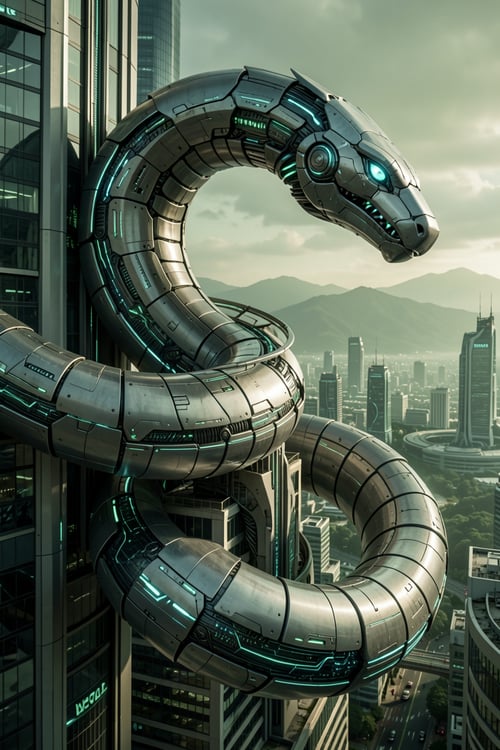
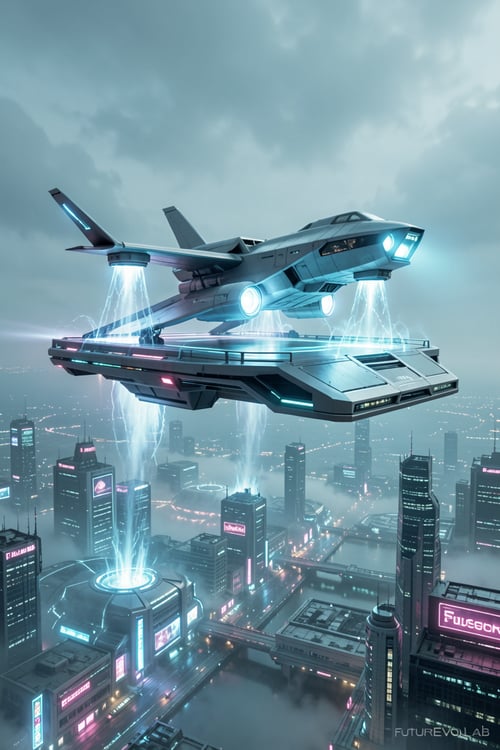
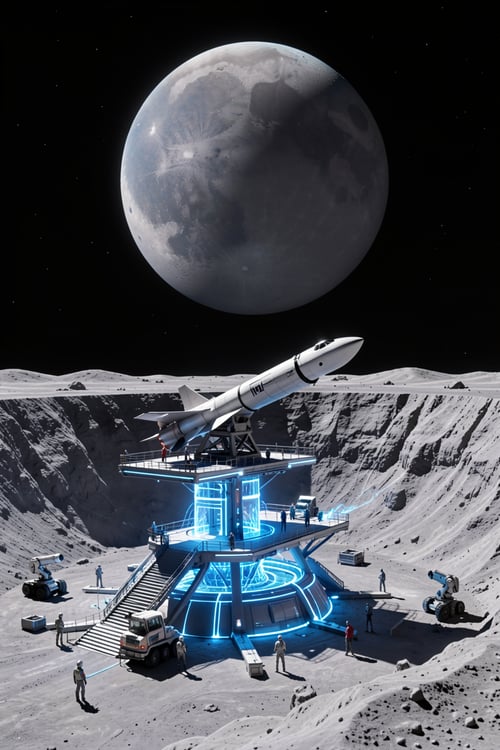
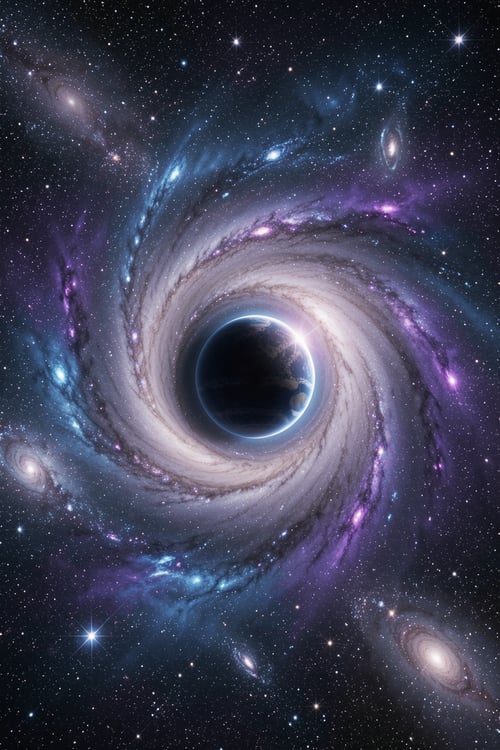
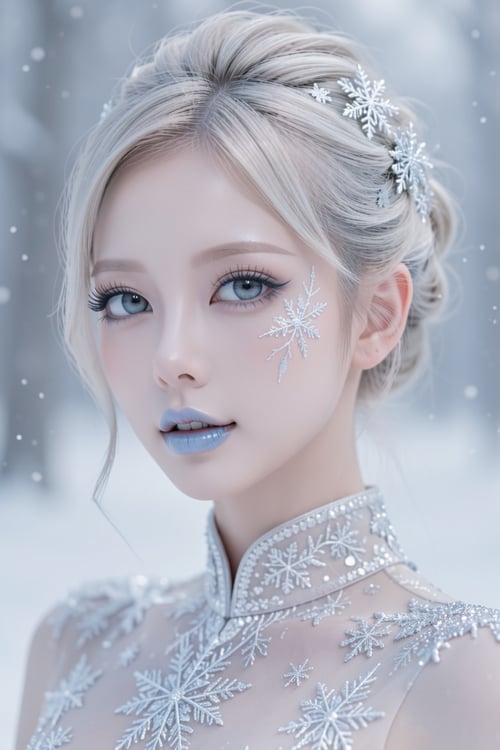
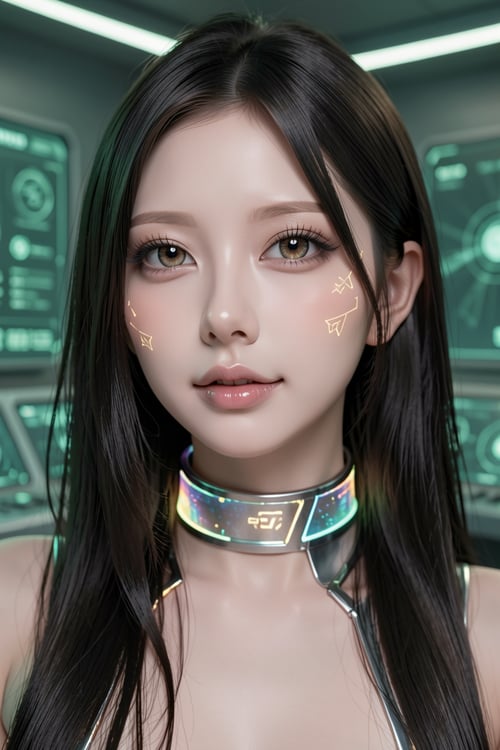
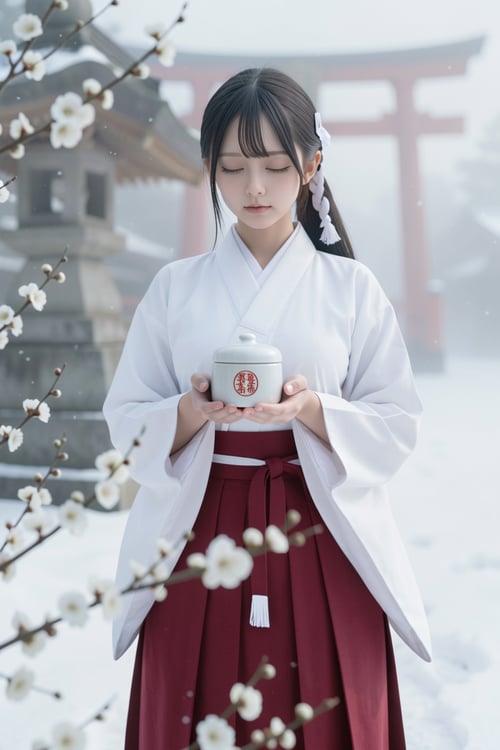
AfterDark Realism is a realistic-style Checkpoint model designed for portrait generation, character-focused image creation, and visual editing. It focuses on natural facial structure, believable skin texture, balanced lighting, and a photography-inspired look suitable for realistic portraits, fashion imagery, cinematic characters, commercial visuals, and concept design.
The model is especially suited for low-key lighting, night atmosphere, soft ambient light, indoor portraits, urban backgrounds, and polished character visuals. It aims to produce images with a refined photographic feel while keeping the subject visually clear, expressive, and natural.
AfterDark Realism can be used for a wide range of realistic image workflows, including portrait creation, character design, outfit variation, background replacement, lighting enhancement, visual style unification, and cinematic image refinement. It works best with clear prompts that describe the subject, clothing, pose, camera angle, lighting direction, mood, and environment.
For better results, use detailed but controlled prompts. Adding photography-related keywords such as realistic portrait, cinematic lighting, soft ambient light, detailed skin texture, natural expression, shallow depth of field, urban night background, indoor studio lighting, or editorial photography can help guide the model toward a more stable and polished output.
# Recommended Use #
AfterDark Realism is suitable for:
Realistic portrait generation
Character-focused visual creation
Fashion and editorial-style imagery
Cinematic portrait concepts
Commercial visual references
Realistic character editing
Background and lighting refinement
Image-to-image visual enhancement
# Prompt Tips #
Use clear subject descriptions and avoid overly vague prompts. For portrait-focused images, describe the character’s appearance, expression, hairstyle, outfit, pose, camera lens, lighting style, and background. For editing workflows, keep the original image structure clear and use precise instructions for the parts you want to modify.
Suggested prompt direction:
realistic portrait, natural facial features, detailed skin texture, cinematic lighting, soft ambient light, shallow depth of field, urban background, editorial photography, high detail, natural expression, balanced composition
Suggested negative prompt direction:
low quality, blurry, distorted face, bad anatomy, extra fingers, deformed hands, over-smoothed skin, plastic skin, unnatural eyes, messy background, unrealistic lighting, duplicate body parts, watermark, text, logo
# Workflow Notes #
AfterDark Realism can be used as a base model for realistic portrait workflows, cinematic character design, image-to-image editing, and visual refinement. It can also be combined with compatible LoRA models for clothing styles, character concepts, photography aesthetics, or environment direction. For best results, adjust CFG, sampling steps, resolution, and denoising strength depending on whether you are generating from text or editing an existing image.
# Disclaimer #
This model is intended for lawful, ethical, and creative use only. Users are solely responsible for all content generated with this model. Do not use it to create or distribute illegal, harmful, deceptive, defamatory, harassing, non-consensual, exploitative, or infringing content. Do not use it in any way that violates copyright, trademark, privacy, publicity, portrait, personality, or any other third-party rights.
Do not use this model to impersonate, exploit, defame, harass, or misleadingly represent real people, celebrities, public figures, private individuals, or minors. Users must comply with all applicable local laws, platform rules, and content policies when using this model or any generated outputs. The model creator assumes no responsibility for any misuse, unlawful use, or consequences resulting from user-generated content.